🎮 Game Activation Guide (Official Method Only)
How to Activate Your Steam Game Key
All products sold on our website are genuine digital license keys.
Activation is completed directly through the official Steam platform.
Step-by-step activation:
- Open the Steam client on your computer and log in to your account.
- In the bottom-left corner of Steam, click “Add a Game”.
- Select “Activate a Product on Steam…”
- Follow the prompts and enter the product key you received from our store.
- Click Confirm, and the game will be added to your Steam Library.
- You can now download and play your game.
Common Questions
The key shows “Invalid” or “Already used”
- Please double-check the characters (for example: 0 / O, 1 / I, B / 8).
- If the issue persists, please contact our support team and we will assist you.
The game does not appear in my library after activation
- Please restart Steam and check again.
- Ensure you are logged into the correct Steam account.
Do I need to install any additional software?
No.
Activation only requires the official Steam client.
We do not recommend or provide any third-party tools or unofficial software.
Important Notice
- All activations are performed through official platforms (Steam, Microsoft, etc.)
- We do not require customers to disable antivirus, firewall, or system protection
- We do not provide remote access support
- Your system security should always remain enabled
Need Help?
If you experience any issues, please contact us directly via:
- Email support
- WhatsApp
- Telegram
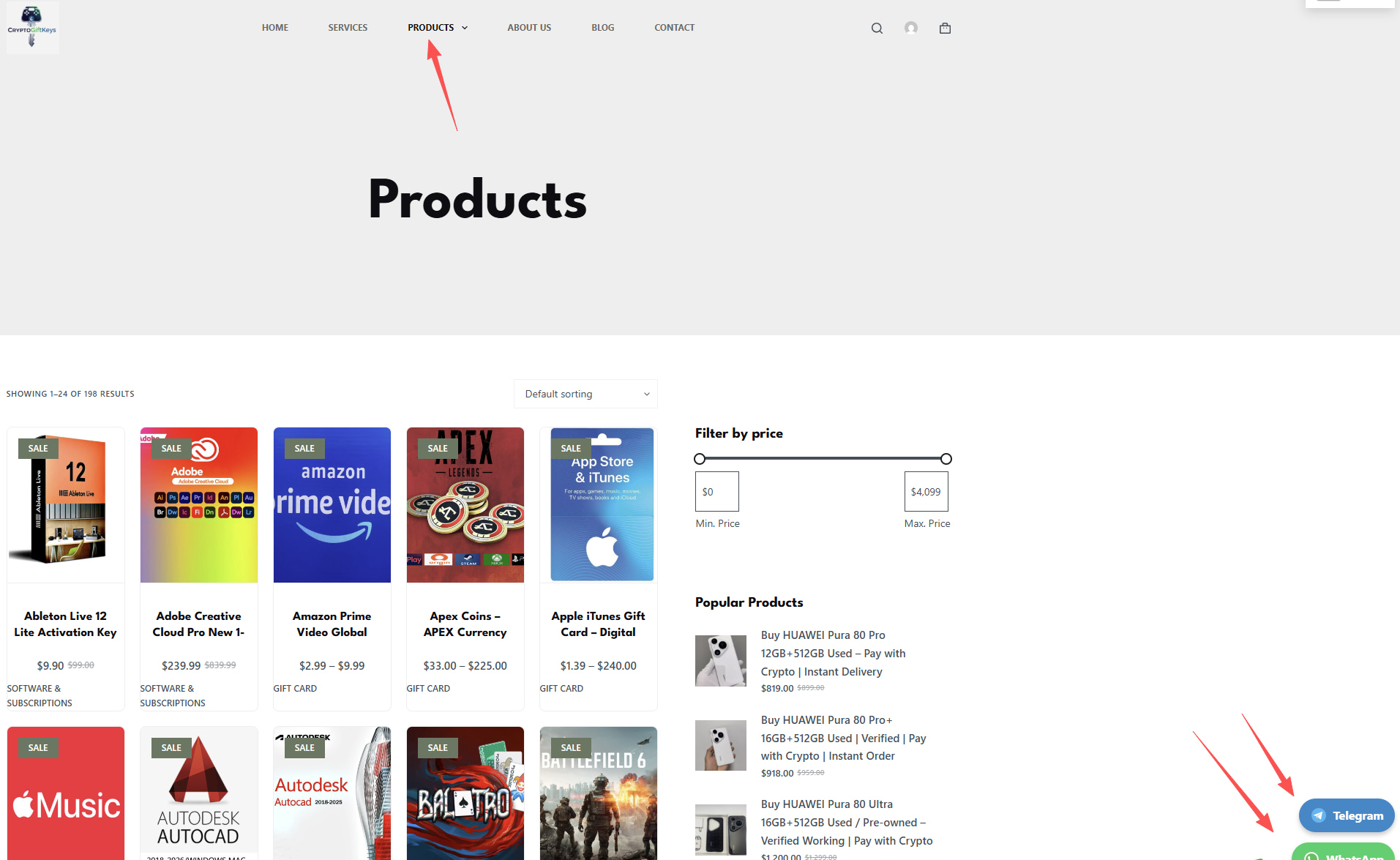
(You can find our contact details on the product page)
Our support team will respond as soon as possible.