Our Location
304 North Cardinal St.
Dorchester Center, MA 02124

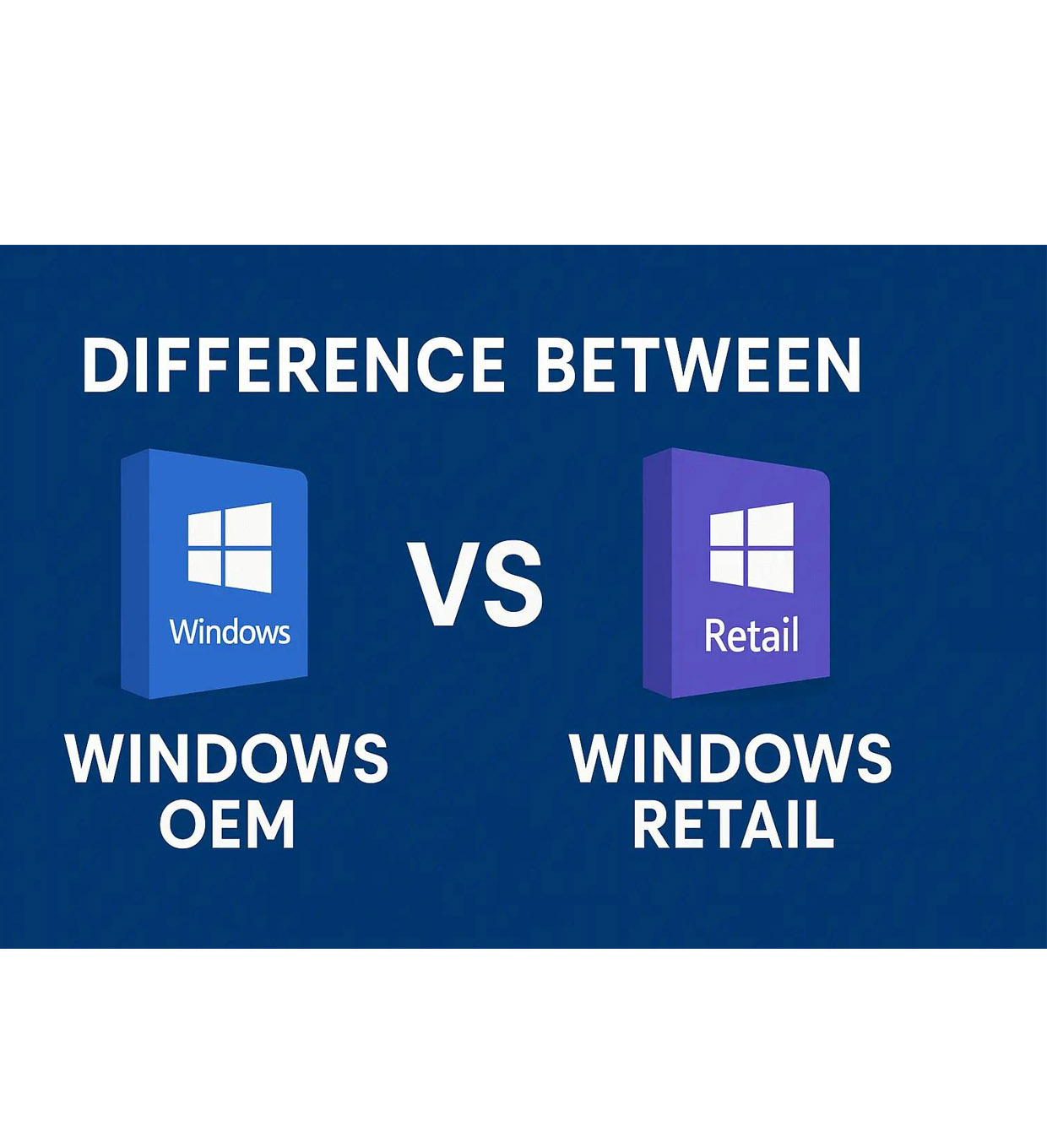
When buying a Windows 11 product key, one of the most common questions is:
👉 OEM vs Retail — what’s the difference, and which one should you choose?
At first glance, both keys activate Windows the same way. But in reality, they differ significantly in terms of:
Understanding this difference can save you money — and prevent activation headaches later.
An OEM (Original Equipment Manufacturer) key is a license designed for device manufacturers.
It is issued by Microsoft and typically comes pre-installed on:
✔ Lower cost
✔ Tied to one device
✔ Cannot be transferred
✔ Activated automatically on that device
👉 Once activated, it becomes linked to your motherboard.
A Retail key is a full consumer license sold directly to users.
You can buy it from:
✔ Higher price
✔ Transferable between PCs
✔ Can be reused after upgrades
✔ Full Microsoft support
👉 This is the most flexible license type.
| Feature | OEM Key | Retail Key |
|---|---|---|
| Price | 💰 Low | 💰💰 High |
| Transferable | ❌ No | ✅ Yes |
| Device Limit | 1 PC only | Multiple (one at a time) |
| Hardware Binding | Motherboard | User account |
| Support | Limited | Full |
| Best For | Budget users | Long-term users |
Let’s say:
You build a gaming PC and plan to upgrade parts later.
👉 Best choice: Retail key
You have a budget office PC and won’t upgrade it.
👉 Best choice: OEM key
Yes.
You can:
👉 This gives you flexibility later.
OEM keys are cheaper because:
👉 This is why many “cheap Windows keys” are OEM.
Yes — OEM keys are legal if:
However:
👉 Buying OEM without understanding limitations
Many users later regret it when:
✔ You want the cheapest option
✔ You will not upgrade hardware
✔ You are okay with single-device use
✔ You upgrade PCs frequently
✔ You want long-term stability
✔ You want flexibility
✔ Always match Windows edition (Home/Pro)
✔ Link license to Microsoft account
✔ Save your product key
✔ Avoid suspicious sellers
Microsoft is moving toward:
👉 Retail keys will become even more valuable
👉 OEM = Best for budget users
👉 Retail = Best for long-term flexibility
If you plan to:
👉 Retail is the better investment
👉 Buy OEM for price
👉 Buy Retail for freedom
Windows 11 Pro Retail Key – Lifetime activation, unlimited reinstallations, and instant auto delivery. Secure purchase with USDT, BTC, ETH, and 300+ cryptocurrencies.