Our Location
304 North Cardinal St.
Dorchester Center, MA 02124

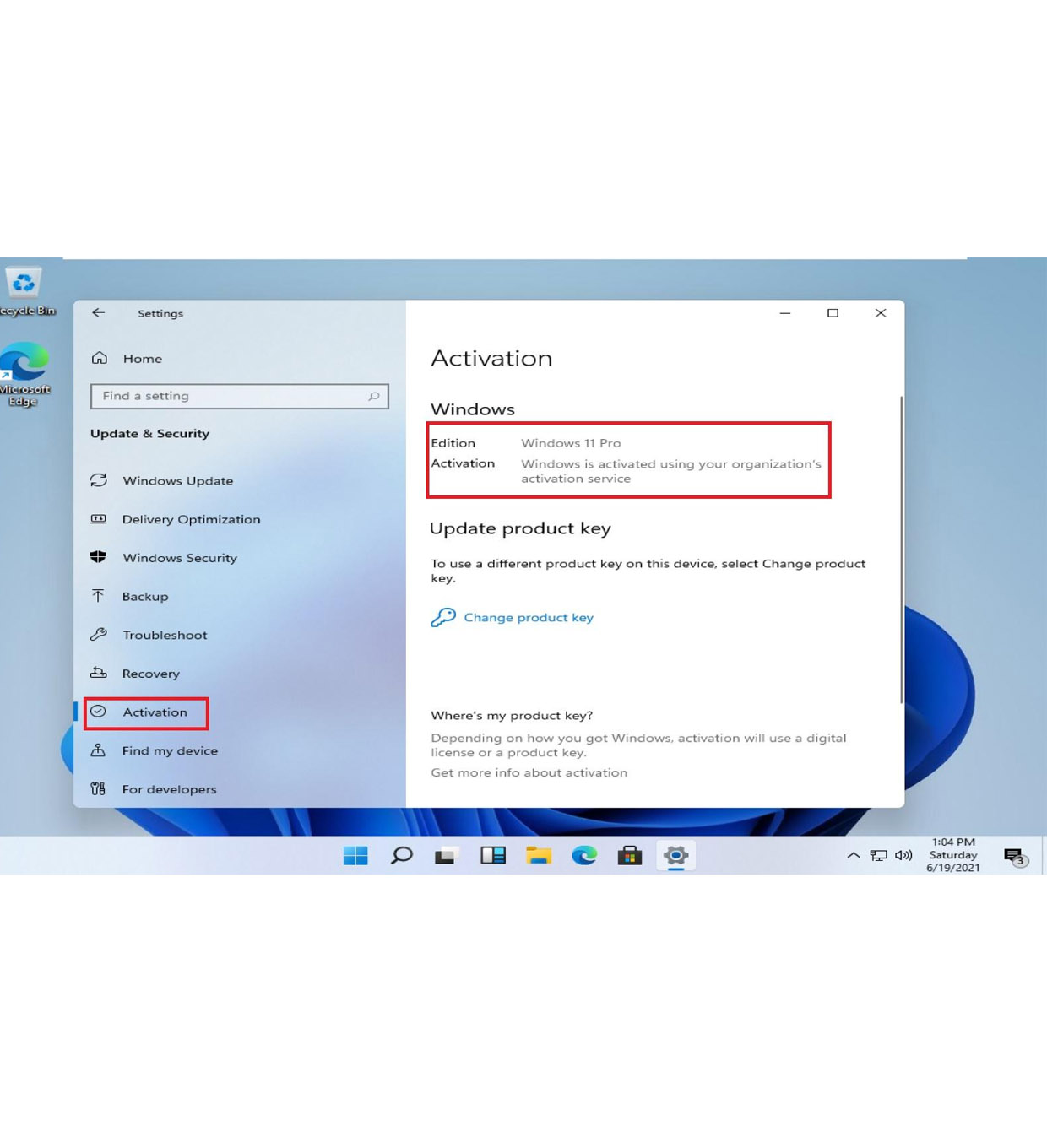
If you’re unable to activate Windows 11 using a product key online, the SLUI 4 activation method can be a reliable alternative. This method allows you to activate Windows via phone verification, making it especially useful when:
In this guide, you’ll learn exactly how to use SLUI 4 in Windows 11, when to use it, and how to fix common problems.
SLUI stands for Software Licensing User Interface.
The command:
slui 4
opens the Windows phone activation wizard, which allows you to manually activate your system using a confirmation ID provided by Microsoft.
This method connects you to Microsoft’s automated phone system instead of online activation servers.
You should use SLUI 4 when:
✔ Online activation fails
✔ You get server-related errors
✔ You changed hardware (motherboard/CPU)
✔ You are reinstalling Windows
✔ Your license is valid but not activating
Common errors solved by SLUI 4:
Follow these steps carefully:
Press:
Windows + R
Type:
slui 4
Then press Enter
A window will appear asking for your country or region.
Choose your correct location (e.g., United States).
You will see:
Call the number shown on your screen.
The automated system will ask you to:
After verification, you will receive a Confirmation ID.
Enter it into your Windows activation window.
Click Activate
If successful, your Windows will be fully activated.
Think of it as:
👉 Installation ID = Request
👉 Confirmation ID = Approval
✔ Fix:
slui.exe 4
✔ Fix:
✔ Fix:
✔ Fix:
Yes — SLUI 4 is an official Microsoft activation method.
It is:
✔ Legal
✔ Built into Windows
✔ Secure
✔ Used by enterprises and IT admins
There is no risk when using this method properly.
| Feature | SLUI 4 | Online Activation |
|---|---|---|
| Internet required | ❌ No | ✅ Yes |
| Speed | Medium | Fast |
| Reliability | High | Depends on server |
| Best for errors | ✅ Yes | ❌ Limited |
SLUI 4 is especially useful when:
✔ Use correct Windows edition
✔ Double-check product key
✔ Avoid VPN during activation
✔ Use stable phone connection
✔ Keep your Microsoft account linked
The SLUI 4 activation method is one of the most reliable ways to activate Windows 11 when online activation fails.
It gives you a direct line to Microsoft’s activation system and bypasses many common issues.
If you’re facing activation problems, this method can save you hours of frustration.
👉 Simple takeaway:
Windows 11 Pro Retail Key – Lifetime activation, unlimited reinstallations, and instant auto delivery. Secure purchase with USDT, BTC, ETH, and 300+ cryptocurrencies.